

Most people know Trust Wallet as that Binance wallet. That description stopped being accurate over a year ago, and the product itself has changed just as much. This trust wallet review looks at what the app actually is in 2026: two different wallet types with meaningfully different setups, a trading surface that goes well beyond simple storage, and a security incident that any honest review needs to address.
Quick Facts Founded: 2017 by Viktor Radchenko | CEO: Eowyn Chen Binance-owned: No. Independent since May 15, 2025 Users: 220M+ | Blockchains: 100+ | Assets: 10M+ Platforms: iOS, Android, browser extension (Chrome, Brave, Edge, Opera; no Firefox) App Store: 4.7/5 | Google Play: 4.6/5 Security audits: CertiK, Halborn, Cure53, Kudelski Security, Quantstamp Certifications: ISO 27001, ISO 27701
What Is Trust Wallet?
Viktor Radchenko built it in 2017 as a simple Ethereum wallet. Binance acquired it the following year, which gave it resources and reach, and the app spent the next few years becoming one of the most downloaded crypto wallets globally. As of May 15, 2025, Binance Exchange Group no longer owns or controls it. Trust Wallet now runs as an independent company under CEO Eowyn Chen.
For self-custody purposes, that independence is the relevant fact. Trust Wallet stores no copies of user keys, cannot see wallet balances, and has no connection to any exchange account system. When you use it, you are the only one holding your keys.
Classic vs. SWIFT: Two Different Wallets
Trust Wallet stopped being a single product in early 2024, and this distinction matters more than most reviews acknowledge.
Classic is the setup most crypto users will recognize. You get a 12-word recovery phrase, private keys stay on your device encrypted with AES-256, and if you lose the phrase, you lose access. Full stop. Classic covers all 100+ supported blockchains, including Bitcoin and non-EVM networks, and takes about three minutes to set up.
SWIFT works differently at a technical level. It runs on Account Abstraction (ERC-4337) and uses passkeys (Face ID or fingerprint) in place of a recovery phrase entirely. There is nothing to write down. The whole setup takes under 60 seconds, and because of gas abstraction, you can pay transaction fees in USDT, USDC, or over 200 other tokens instead of needing the chain’s native coin. Halborn and CertiK audited the smart contract layer; Ancilia handles ongoing monitoring.
Chain coverage is the main trade-off. SWIFT works on Arbitrum, Polygon, BNB Smart Chain, opBNB, Base, Optimism, and Avalanche. Bitcoin and non-EVM chains still require Classic.
Who should use which one? Classic suits anyone who wants full sovereignty and doesn’t mind managing a recovery phrase. SWIFT is genuinely useful for people who find that phrase a real friction point and mostly use the supported EVM chains.
Supported Assets and Blockchains
100+ blockchains | 10M+ assets | 600M+ NFTs Key chains: Bitcoin, Ethereum, BNB Smart Chain, Solana, Polygon, Arbitrum, Optimism, Base, Avalanche, TRON, TON, Cosmos, Sui, Sonic Token standards: ERC-20, BEP-20, BEP-2, SPL, and more
If you hold BRC-20 tokens or Bitcoin inscriptions inside Trust Wallet, pay attention: the wallet is removing support for both. Move those assets to a dedicated inscription wallet before the change takes effect.
Chain coverage also does not mean feature parity across every network. Buy, sell, staking, and advanced trading are not available on every blockchain the wallet supports. Worth checking trustwallet.com for chain-specific feature availability before assuming something will work.
Core Features
Buying crypto works through third-party on-ramp providers: MoonPay, Mercuryo, Ramp, Transak, Banxa, and Alchemy Pay. Trust Wallet does not handle fiat itself, which means KYC requirements come from whichever provider you select during checkout, not from Trust Wallet. Over 110 fiat currencies are covered across 180+ countries, with card payments, bank transfers, SEPA, and Google Pay as options.
Swaps route through a DEX aggregator backed by 1inch, THORChain, Axelar, and Mimic. You can swap same-chain or cross-chain across more than a million pairs. The full cost, aggregator fee and network fee together, shows up before you confirm. One limitation: DOT and SUI cannot currently be swapped inside the app.
For staking, 24+ assets are supported natively, including ETH, BNB, SOL, TRX, DOT, and ATOM. Trust Wallet charges nothing at the platform level; any fees you see come from the underlying validator or protocol. There is an in-app calculator that breaks down estimated returns daily, monthly, and annually based on current APRs.
A built-in dApp browser connects to any Web3 application directly inside the app. WalletConnect v2.0 handles external connections. The Discovery section organizes options by type: DeFi protocols, NFT marketplaces, games, liquid staking, and more.
Features Most Reviews Are Not Covering Yet
By 2025, Trust Wallet had moved well past the wallet-plus-swap model. These are live features, not announcements.
Stablecoin Earn lets eligible users deposit USDT, USDC, DAI, or USDA to earn daily yield. Users have put over $155 million into it so far, and it is accessible directly from the home screen with no extra steps.
On the trading side, Trust Wallet brought Hyperliquid perpetuals into the app. Up to 200x leverage is available for eligible users, with take-profit and stop-loss controls included. Trust Wallet currently applies no markup on Hyperliquid fees through the end of July 2026, and more than $36 million has already been traded through the integration.
Prediction markets came next. Trust Wallet was the first major self-custody wallet to build this natively, launching through Myriad with Polymarket and Kalshi integrations on the way. You trade on real-world event outcomes using assets already sitting in your wallet, without sending them anywhere first.
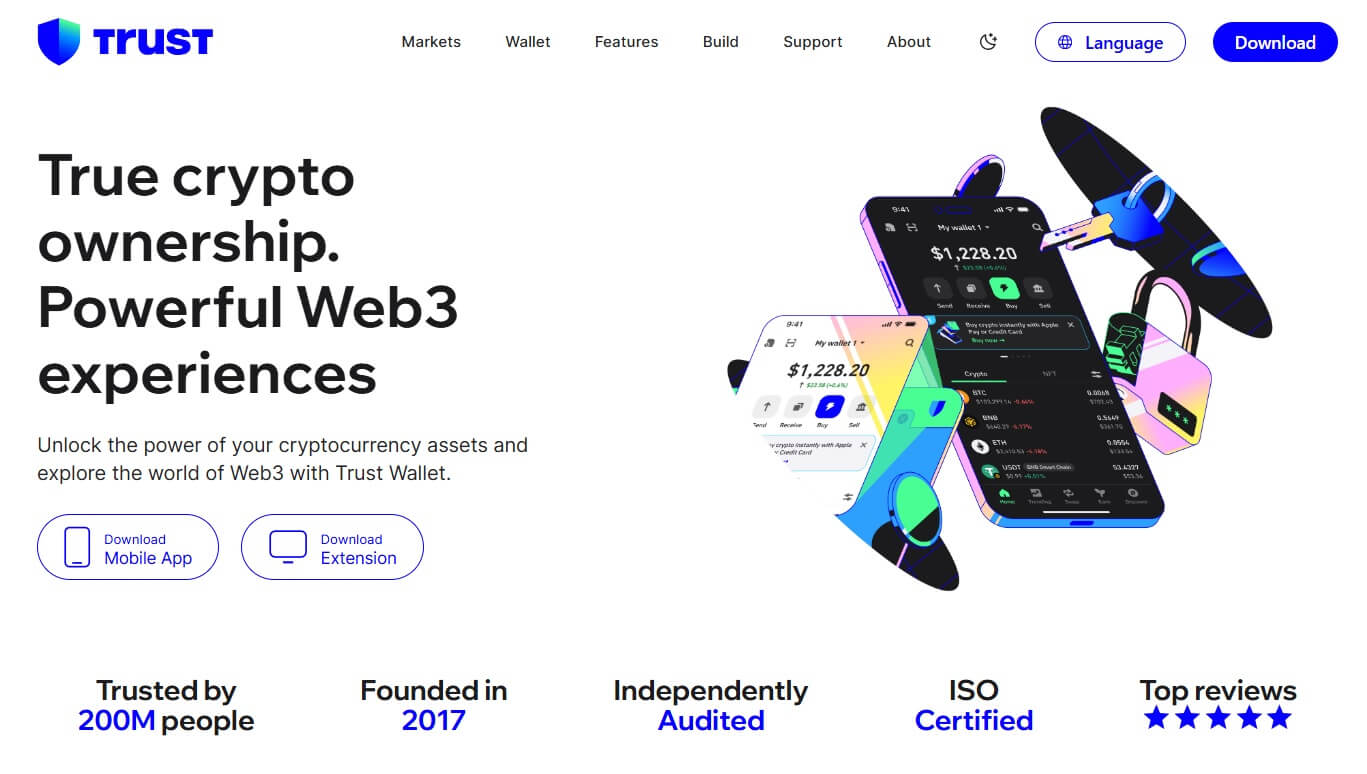
For users who want exposure to traditional markets, an Ondo Finance integration brings tokenized stocks and ETFs on-chain. Regional eligibility applies, so not every user will have access.
FlexGas handles a problem that comes up more often than people expect: holding tokens on a chain but having no native coin to cover gas. You can pay fees in USDT, USDC, or TWT on supported chains, and Gas Sponsorship covers swap-related gas in certain cases.
TWT sits underneath a lot of this. It is a BEP-20 governance and utility token. Lock it, and you access Trust Premium benefits: lower gas fees, swap discounts, select buy fee reductions, partner rewards, and airdrop eligibility. TWT holders also vote on which chains and features get prioritized.
Security
Private keys stay on the device and are encrypted with AES-256. Trust Wallet holds no server-side copies of keys or recovery phrases. On the certification side, the wallet carries ISO 27001 and ISO 27701 credentials and has been independently audited by CertiK, Halborn, Cure53, Kudelski Security, and Quantstamp.
Running in real time during dApp interactions, the Security Scanner flagged over $191 million in potentially harmful transactions in 2025, helped recover $260,000 in stolen funds, and assisted with another $370,000 recovered through coordinated exchange investigations. Those figures come from Trust Wallet’s official 2025 year-end report.
Something that belongs in any complete trust wallet review: in late December 2025, a vulnerability in browser extension version 2.68 was exploited. Losses were approximately $6 to $7 million. Trust Wallet disclosed the incident publicly, issued an incident report, patched the extension, and committed to reimbursing affected users. Halborn’s published technical breakdown aligns with the official account.
Avoiding the extension entirely is not really the lesson here. Knowing what kind of environment it is, that is the point. Browsers are more exposed than mobile apps, so large or long-term balances belong in cold storage or behind a hardware wallet. For active Web3 use with amounts you can afford to keep hot, the extension is a reasonable tool.
A few things Trust Wallet simply cannot do, and worth being clear about: it cannot recover a lost recovery phrase, cannot reverse a malicious approval you already signed, and has no two-factor authentication for outgoing transactions. There is no multisig support, which rules it out for teams and shared treasuries. Customer support runs through the help center and official social channels; there is no live chat option.
Fees
| Action | Cost |
|---|---|
| Wallet setup | Free |
| Receiving crypto | Free |
| Sending crypto | Network fee only |
| Staking platform fee | Zero |
| Swaps | Aggregator fee included in rate, shown before confirmation |
| Fiat on-ramp | Third-party provider spread + card or bank fee |
| Perps via Hyperliquid | 0% Trust Wallet markup until end of July 2026 |
| Trust Premium discounts | Available to TWT lockers |
Trust Wallet charges nothing at the platform level for staking, sending, or receiving. Swap costs are set by the aggregator and are visible before you confirm the trade. Fiat is where costs vary most, depending on the provider, your payment method, and your region. Bank transfers generally cost less than card payments, though they take longer to settle.
Who It Suits and Who It Does Not
Trust Wallet works best for mobile users who want to manage multiple chains from one place without opening three different apps. If you are actively staking, swapping, using DeFi protocols, or exploring NFTs across chains like Ethereum, Solana, and BNB Chain, having it all in one interface saves real time. The SWIFT setup also makes it a practical option for people who are new to self-custody and find seed phrase management a genuine obstacle.
Privacy-conscious users tend to appreciate that there is no registration requirement and no KYC from the wallet itself. The only point where identity verification enters the picture is with fiat on-ramp providers, and that requirement comes from them, not Trust Wallet.
That said, it is not the right tool for everyone. If you are holding significant long-term balances and not actively trading, a hardware wallet gives you better security isolation. Teams that need shared access or multisig approval flows will need something built for that purpose. Solana-first users often find Phantom more tailored to that ecosystem, and desktop-heavy EVM users who live in the browser may find MetaMask’s workflow more natural. Anyone who relies on live chat for support should also know that option does not exist here.
Pros and Cons
Frequently Asked Questions
Does Trust Wallet require KYC?
No registration, email address, or identity check is required to create and use a Trust Wallet. KYC only comes into play when using third-party fiat on-ramp providers like MoonPay or Transak, and those requirements are set by the provider, not by Trust Wallet.
Is Trust Wallet still owned by Binance?
No. Trust Wallet separated from Binance Exchange Group on May 15, 2025, and now operates independently. CEO Eowyn Chen leads the company.
What is the difference between Trust Wallet Classic and SWIFT?
Classic uses a 12-word recovery phrase and covers all 100+ supported chains. SWIFT uses passkeys and Account Abstraction instead of a seed phrase, lets you pay gas in 200+ tokens, and takes under 60 seconds to set up. The catch is that SWIFT currently only covers a set of EVM-compatible chains.
What happened with the browser extension in December 2025?
A vulnerability in version 2.68 was exploited, and users lost approximately $6 to $7 million. Trust Wallet disclosed the incident, patched the extension, and committed to reimbursing those affected. Halborn published a technical breakdown of the event. The incident is a concrete reason to avoid keeping large balances in any browser extension wallet.
What can I stake inside Trust Wallet?
24+ assets are supported, including ETH, BNB, SOL, TRX, DOT, and ATOM. Trust Wallet charges no platform fee for staking. An in-app calculator shows projected daily, monthly, and annual returns based on current rates.
By 2026, calling Trust Wallet a “storage app” undersells what it actually does. Staking, swaps, perpetuals, prediction markets, tokenized stocks, and stablecoin yield are all accessible without handing your keys to a third party. The security trade-offs that come with any hot wallet are real, and the December 2025 extension incident gives those trade-offs a concrete face. But for users who want genuine breadth in self-custody on mobile, this trust wallet review reaches a clear conclusion: the feature set is serious, and the competition is thin.