
Trezor has been making hardware wallets since 2013. SatoshiLabs, the Prague-based company behind the brand, shipped the world’s first commercial hardware wallet in 2014, and the core argument has not changed since: private keys belong on a device that never connects to the internet, not sitting on an exchange or locked inside a browser extension.
This trezor hardware wallet review looks at all three models currently on sale, what they actually differ on, and which one is worth buying depending on how you actually use crypto. Every spec comes from trezor.io directly.
Quick Comparison
At a Glance
Safe 3 Safe 5 Safe 7 Price $79 $169 $249 Display 0.96″ mono OLED 1.54″ color touch 2.5″ color touch Screen resolution 128 x 64 px 240 x 240 px 520 x 380 px Secure Element EAL6+ EAL6+ Dual: TROPIC01 + EAL6+ Bluetooth No No Yes (5.0+) Battery No No LiFePO₄ 330mAh Wireless charging No No Qi2 Full iOS support No No Yes Quantum-ready No No Yes Open-source Yes Yes Yes Body material PMMA plastic PC-ABS plastic Aluminum unibody IP rating None None IP54
About Trezor
SatoshiLabs is fully self-funded, with no venture capital and no outside investors. That is not a minor detail. Companies with VC pressure tend to cut costs somewhere when growth targets come up, and with security hardware, “somewhere” is usually somewhere you do not want cut.
Three models are currently in the lineup: Safe 3, Safe 5, and Safe 7. The older Model One and Model T have both been discontinued, though they still receive firmware updates. All current models are non-custodial, meaning Trezor never sees your keys, and every device ships without preloaded firmware so you install it fresh on first setup.
Unlike most Trezor hardware wallet reviews that rely on spec aggregators, every figure here is pulled directly from trezor.io’s product and security pages.
Trezor Safe 3 Review
Safe 3 Specs
- Price: $79
- Display: 0.96″ monochromatic OLED, 128 x 64 px
- Input: Two-button pad
- Processor: ARM Cortex M4, 180MHz
- Secure Element: EAL6+ certified chip
- Connection: USB-C
- Body: PMMA plastic, anodized aluminum backplates
- Size / Weight: 59 x 32 x 7.4 mm / 14 g
- Colors: Cosmic Black, Solar Gold, Stellar Silver, Galactic Rose, Bitcoin Orange
- Battery: None
- iOS support: Limited (balance, buy, receive only)
“Entry-level” is a slightly misleading label for the Safe 3. The price is entry-level. The security is not. Inside is an EAL6+ certified Secure Element, which is the same category of chip used in biometric passports and SIM cards. It handles private key storage in a physically hardened environment designed to resist direct hardware attacks.
At $79, you get PIN protection up to 50 digits, optional passphrase (which creates a completely separate hidden wallet), on-device transaction confirmation, Tor integration, coin control for Bitcoin UTXO management, a Bitcoin-only firmware option, FIDO2 two-factor authentication, and Multi-share Backup support. That is a lot of functionality for the price.
The trade-off is comfort, not security. Two buttons and a tiny monochromatic screen mean that reviewing a long Bitcoin address takes patience. You scroll through it a few characters at a time. It works, but nobody would call it pleasant. Someone who sends crypto once a month will not care much. Someone who is actively swapping and checking on positions regularly will start to notice.
iPhone users hit a specific wall with the Safe 3. On iOS, you can check your balance, buy, and receive funds. Sending, swapping, device setup, and management all require a desktop or Android device. That is not a bug, it is a result of how Apple handles USB accessories, but it is worth knowing before you buy.
For long-term holders and desktop-first users who want open-source, well-tested cold storage without spending more than necessary, the Safe 3 is a sound choice.
Trezor Safe 5 Review
Safe 5 Specs
- Price: $169
- Display: 1.54″ color touchscreen, 240 x 240 px
- Input: Touchscreen with haptic feedback
- Secure Element: EAL6+ certified chip
- Connection: USB-C
- Body: PC-ABS plastic, Gorilla Glass 3 display
- Battery: None
- iOS support: Limited (balance, buy, receive only)
The most useful question to answer in this trezor hardware wallet review is what $90 extra actually gets you when stepping from the Safe 3 to the Safe 5.
It does not get you better security. The EAL6+ Secure Element is identical. The firmware is the same open-source codebase, the passphrase options work the same way, and backup support is exactly the same. If someone told you the Safe 5 is more secure than the Safe 3, they are wrong.
What changes is the daily experience. The 1.54-inch colour touchscreen makes reading transaction details significantly easier, especially when you’re reviewing token names and amounts before signing. Haptic feedback on PIN entry feels more natural than pressing physical buttons. Gorilla Glass 3 protects the display in a way the Safe 3’s plastic simply cannot match. None of these are security wins, but they do matter if you interact with your wallet regularly.
iOS restrictions are unchanged from the Safe 3. Sending, swapping, and device management still need a desktop or Android.
If you hold long-term and rarely touch the device, the Safe 3 is genuinely enough. The Safe 5 earns its price premium for users who sign transactions frequently and want a screen they can actually read comfortably.
Trezor Safe 7 Review
Safe 7 Specs
- Price: $249
- Display: 2.5″ high-res color touchscreen, 520 x 380 px, 700 nits
- Input: Touchscreen with haptic feedback
- Processor: STM32U5G ARM Cortex M33, 160MHz
- Secure Element: Dual: TROPIC01 + EAL6+ Optiga
- Connection: USB-C + Bluetooth 5.0+ (THP encrypted)
- Body: Anodized aluminum unibody, Gorilla Glass 3
- Size / Weight: 75.4 x 44.5 x 8.3 mm / 45 g
- Battery: LiFePO₄ 3.2V / 330mAh
- Wireless charging: Qi2-compatible
- IP rating: IP54 (dust and water spray)
- Certifications: CE, RoHS, FCC, REACH, WEEE, and others
- Colors: Charcoal Black, Obsidian Green, Bitcoin-only edition
- iOS support: Full (via Bluetooth)
- Quantum-ready: Yes
The Safe 7 is where Trezor’s lineup starts to look genuinely different rather than just incrementally better. The screen is 62% larger than the Safe 5’s. The body is machined from a single block of anodized aluminum. It has Bluetooth, a battery, wireless charging, and an IP54 rating. But the more interesting changes are inside.
TROPIC01: A Different Kind of Secure Element
Every hardware wallet in this price category claims to use a Secure Element. Most of them do, including the Safe 3 and Safe 5 with their EAL6+ chips. The catch is that those chips are covered by NDAs. The manufacturer’s internal architecture is not disclosed, which means you are trusting a certification label rather than being able to verify anything yourself.
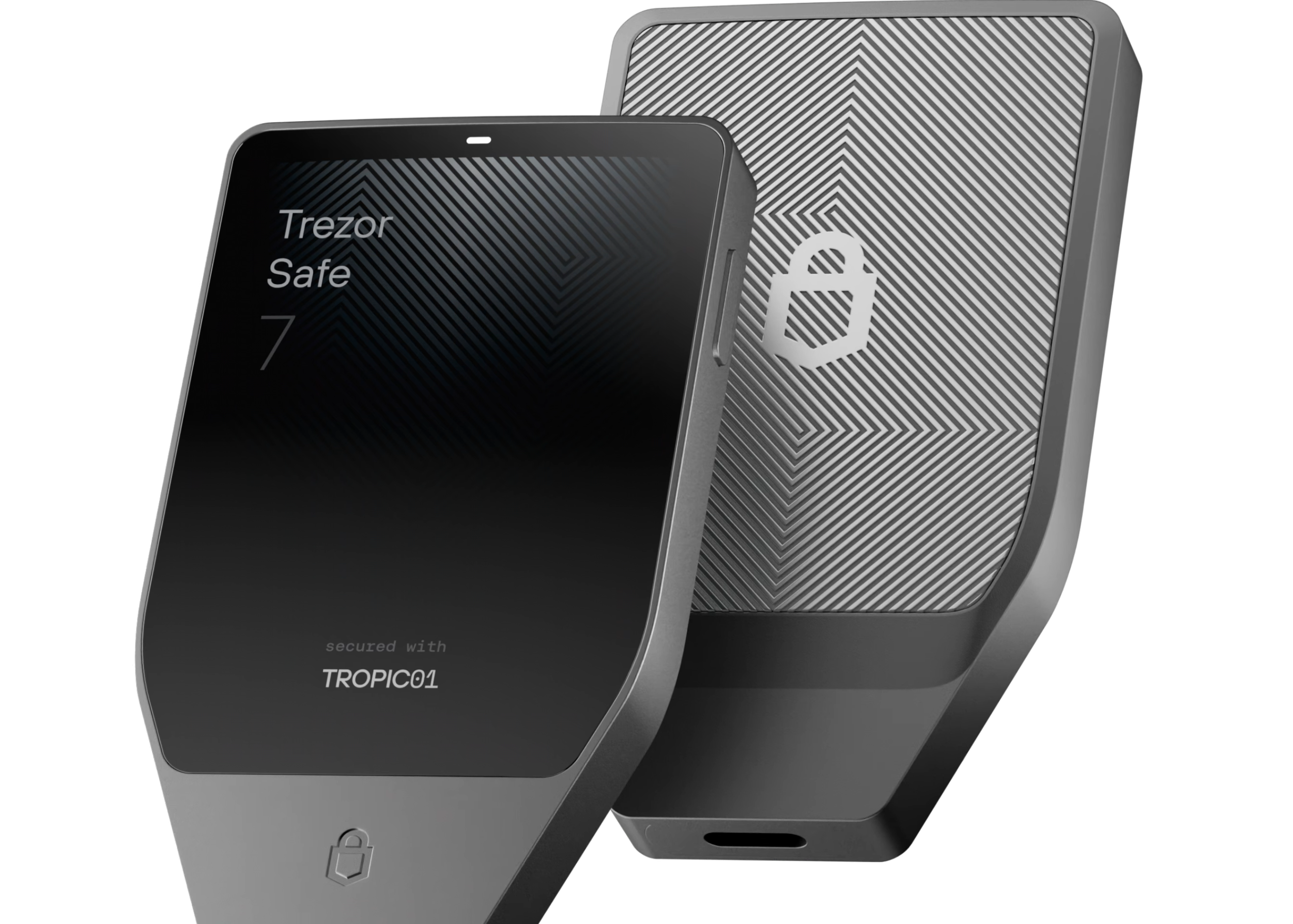
TROPIC01, the additional chip that the Safe 7 introduces, takes a different approach. Its architecture is fully public. Independent researchers can read the documentation, test the chip, publish findings, and contradict any claims they find inaccurate. There is no NDA to hide behind. That does not automatically make it more secure than a certified EAL6+ chip, but it does change the nature of the trust involved. With a standard Secure Element, you trust the certification process. With TROPIC01, you can verify.
The Safe 7 also pairs TROPIC01 with the existing EAL6+ Optiga chip, creating a dual Secure Element design where private key security depends on two independent chips sourced from different vendors.
Quantum-Ready Security: What the Safe 7 Actually Does
Trezor’s use of the phrase “quantum-ready” has caused some confusion, so it is worth being specific about what the Safe 7 actually does and does not do.
The device uses SLH-DSA-128, a post-quantum signature scheme that NIST standardised in 2024, to verify firmware updates and protect the boot process. In practice, this means a forged firmware update signed using a future quantum computer attack would be rejected by the device. The Safe 7 will only accept updates that pass this stronger verification check.
What this does not cover is your on-chain transactions. Protecting Bitcoin and Ethereum transfers from quantum attacks would require the blockchains themselves to adopt post-quantum cryptography, and that is a separate, industry-wide project still in progress. Trezor has no influence over that timeline. What the Safe 7 gives you is a device architecture that can adopt those upgrades when blockchains do make the switch, without needing to be replaced.
Bluetooth That Is Actually Designed for a Hardware Wallet
Putting Bluetooth in a hardware wallet is a reasonable thing to be skeptical about. The obvious worry is that a wireless connection creates an interception point.
Trezor addressed this with their own protocol. Trezor Host Protocol, or THP, is an open-source encrypted communication layer that wraps every command and transaction going between the Safe 7 and the host device. The wallet only pairs with authenticated hosts and stays invisible to anything it does not recognise. An attacker who intercepts the Bluetooth signal cannot read or alter the transaction, because what they capture is already encrypted at the application layer before it leaves the device. The source code for THP is public and can be independently audited.
For users who would rather not use Bluetooth at all, it can be disabled in settings and the device works normally over USB-C.
Full iOS Support
Safe 7 is the only current Trezor model with a complete iOS experience. Send, receive, swap, stake, set up the device, manage it, all from an iPhone or iPad. This works because the Bluetooth connection sidesteps the iOS USB accessory restrictions that limit what the Safe 3 and Safe 5 can do on Apple devices.
Trezor Suite
Suite is the companion app for all three models, available natively on macOS, Windows, Linux, and Android. Full iOS support applies only to the Safe 7 via Bluetooth.
Day-to-day, Suite handles sending and receiving, portfolio tracking, swapping and staking through an Invity integration, transaction history, and CSV or PDF export. Privacy tools include Tor integration to route your traffic through the Tor network, coin control for manual Bitcoin UTXO selection, and a discreet mode that hides balances from anyone nearby.
Bitcoin-focused users get Taproot support, CoinJoin, a Bitcoin-only firmware path, and the option to point Suite at a personal full node rather than Trezor’s default backend.
Third-party compatibility is broad. WalletConnect opens up over 70,000 dApps including Uniswap, Aave, and OpenSea. MetaMask, Rabby, Exodus, Sparrow Wallet, Backpack, Cake Wallet, and around 30 other wallets work as hardware signers with all three models.
Backup and Recovery
Backup Options (All Three Models)
- 12-word (BIP39), 20-word (SLIP39 single-share), 24-word (BIP39)
- Advanced Multi-share Backup (SLIP39 / Shamir Secret Sharing)
- Trezor Keep Metal sold separately (20-word and 24-word versions)
Trezor’s current default is a 20-word backup using the SLIP39 standard. Two backup cards are included in the box with all three models. The 20-word format reduces the dictionary-overlap errors that occasionally caused issues with 12-word BIP39 recovery.
Multi-share Backup is the more interesting option. Using Shamir Secret Sharing, it splits your recovery into multiple shares. A 2-of-3 setup, for example, generates three cards where any two can restore the wallet but none of them can do it alone. A stolen backup card does not compromise your funds. It is a meaningful upgrade over standard single-phrase recovery, particularly for anyone keeping backup copies in different locations.
Standard 12- and 24-word BIP39 is also supported on all three models, useful if you want compatibility with other wallets.
One incident worth mentioning: In 2024, a breach of a third-party support platform exposed around 66,000 email addresses from Trezor’s support system. No private keys, seed phrases, or wallet contents were involved. The breach was at the support tool level, not the device level. Private keys are generated on the device and never transmitted to Trezor’s servers, so a company-side breach of this kind cannot expose wallet contents. It is the kind of thing a thorough review should mention rather than bury.
Which Model Makes Sense for You
At $79, the Safe 3 is the right starting point for most people. Desktop-first users, Android users, long-term holders who check in occasionally, anyone who wants solid open-source cold storage without paying for a touchscreen. The security credentials are identical to the Safe 5. You are giving up screen comfort, not protection.
If you send crypto regularly and the two-button workflow genuinely slows you down, the Safe 5 is worth considering. The 1.54-inch colour touchscreen and haptic feedback make a real difference when you are reviewing transaction details or entering a passphrase frequently. It is still a USB-C, desktop-first wallet, though, and iOS limitations remain exactly the same.
Spend $249 on the Safe 7 if one of three situations applies to you: you use an iPhone as your primary device and need full iOS functionality, you want to operate without cables, or you want the most auditable and advanced security architecture in the current Trezor lineup. Outside those cases, the Safe 5 does the same core job at $80 less.
One scenario where Trezor may not fit: if you specifically need QR-code-based air-gap signing, none of the current models support it. It is also worth checking trezor.io/coins before purchasing to confirm your specific assets are supported.
Pros & Cons
Verdict
Three models, three price points, and only one with a security architecture that is genuinely distinct: the Safe 7, with its TROPIC01 transparent Secure Element and dual-chip design.
For the majority of buyers, the Safe 3 at $79 is the honest recommendation. It is open-source, well-established hardware with a real Secure Element and the same core protection as the more expensive models. The Safe 5 makes sense if you want a better signing experience without paying for wireless features. And the Safe 7 earns its price for iPhone users, anyone who wants cable-free operation, and those who want the most auditable security setup currently available in this trezor hardware wallet review’s scope.
All three models are sold directly at trezor.io and through authorised resellers listed on the Trezor website.
FAQ
Is Trezor safe to use?
Trezor’s firmware is open-source and available for public audit on GitHub. Private keys are generated on the device and never leave it, which means Trezor’s servers never hold them. A 2024 breach of a third-party support tool exposed email addresses, but no wallet data was involved.
What happens if I lose my Trezor?
The crypto follows the recovery phrase, not the physical device. Restore your wallet onto any compatible Trezor using the backup you created during setup. Losing both the device and the backup with no other copy means the funds are not recoverable.
Can I use Trezor with MetaMask and DeFi apps?
Yes, on all three models. MetaMask and around 30 other software wallets work as frontends with Trezor as the hardware signer. WalletConnect extends this to 70,000+ dApps, including Uniswap, Aave, and OpenSea, while your private keys stay on the device.
Does Trezor work with iPhone?
The Safe 7 has full iOS functionality via Bluetooth: send, receive, swap, stake, and manage the device. The Safe 3 and Safe 5 are limited to checking balances, buying, and receiving on iOS. Sending and device management need a desktop or Android.
What is the actual security difference between Safe 3 and Safe 5?
There is none. Both use the same EAL6+ Secure Element, the same firmware, and the same passphrase and backup options. Paying $169 over $79 buys a colour touchscreen and better materials. The security architecture is identical.






My wallet got hacked recently and I lost all I had on it even though no one has my seedphrases and I didn’t click any malicious link. It’s so baffling, I thought cold wallets were the answer to securing your crypto?? I’ve been talking to cyberianx through teIgram to assist with tracking the movement of funds and getting everything back hopefully.